Snap a photo, skip the search box
Most calorie counter apps ask you to find your food in a database of millions of near-identical entries. Caloris identifies the meal from a photo, so the slowest part of calorie counting disappears.
AI food scanner for Android · 10,000+ downloads
Point your camera at any meal and Caloris estimates the calories, protein, carbs and fat in about three seconds. No database searching, no weighing, no manual entry — just snap, check, and log.
How it works
Traditional calorie counting fails because logging one meal takes two minutes of database searching. An AI calorie counter removes that step entirely.
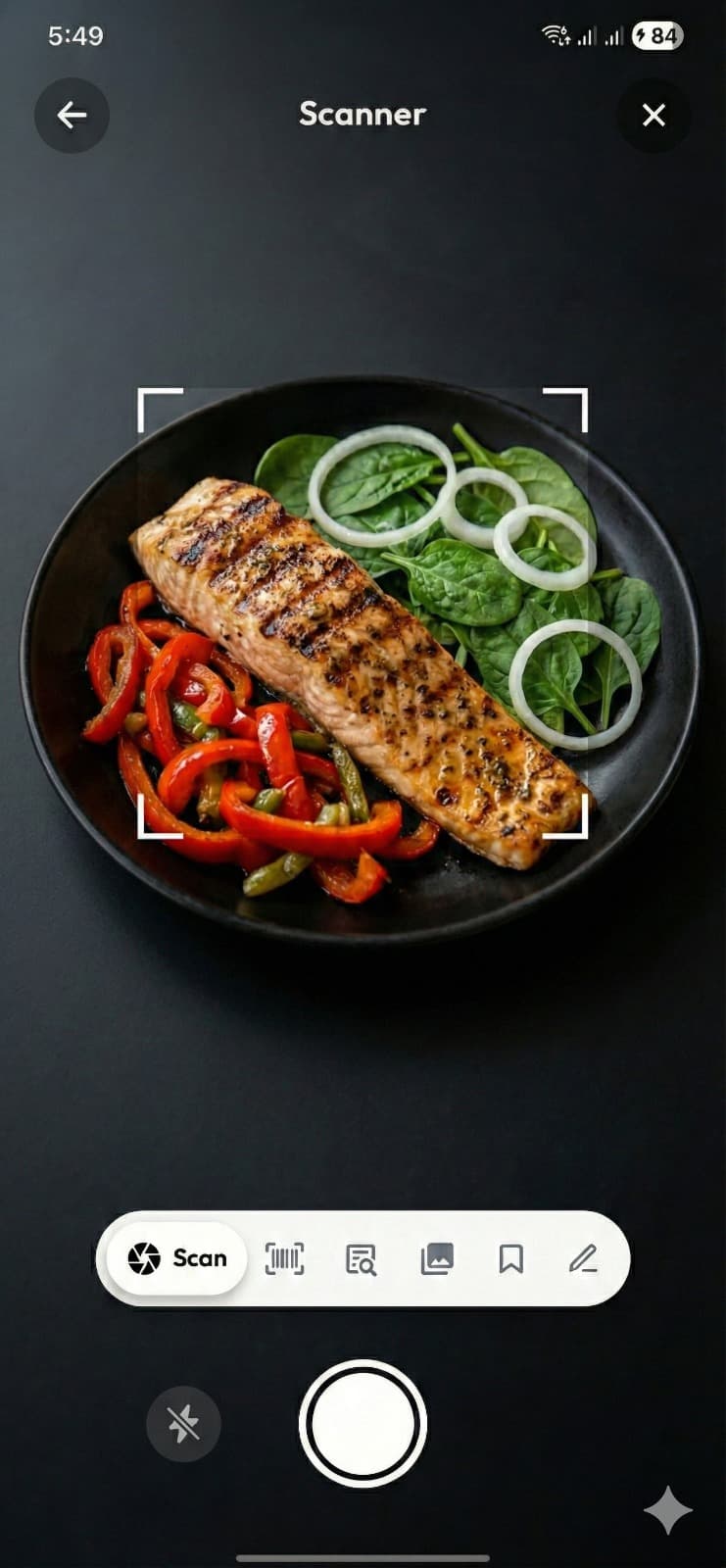
Open Caloris and point the camera at your plate. It works on home-cooked food, restaurant dishes, mixed plates and packaged items — or scan the barcode instead.
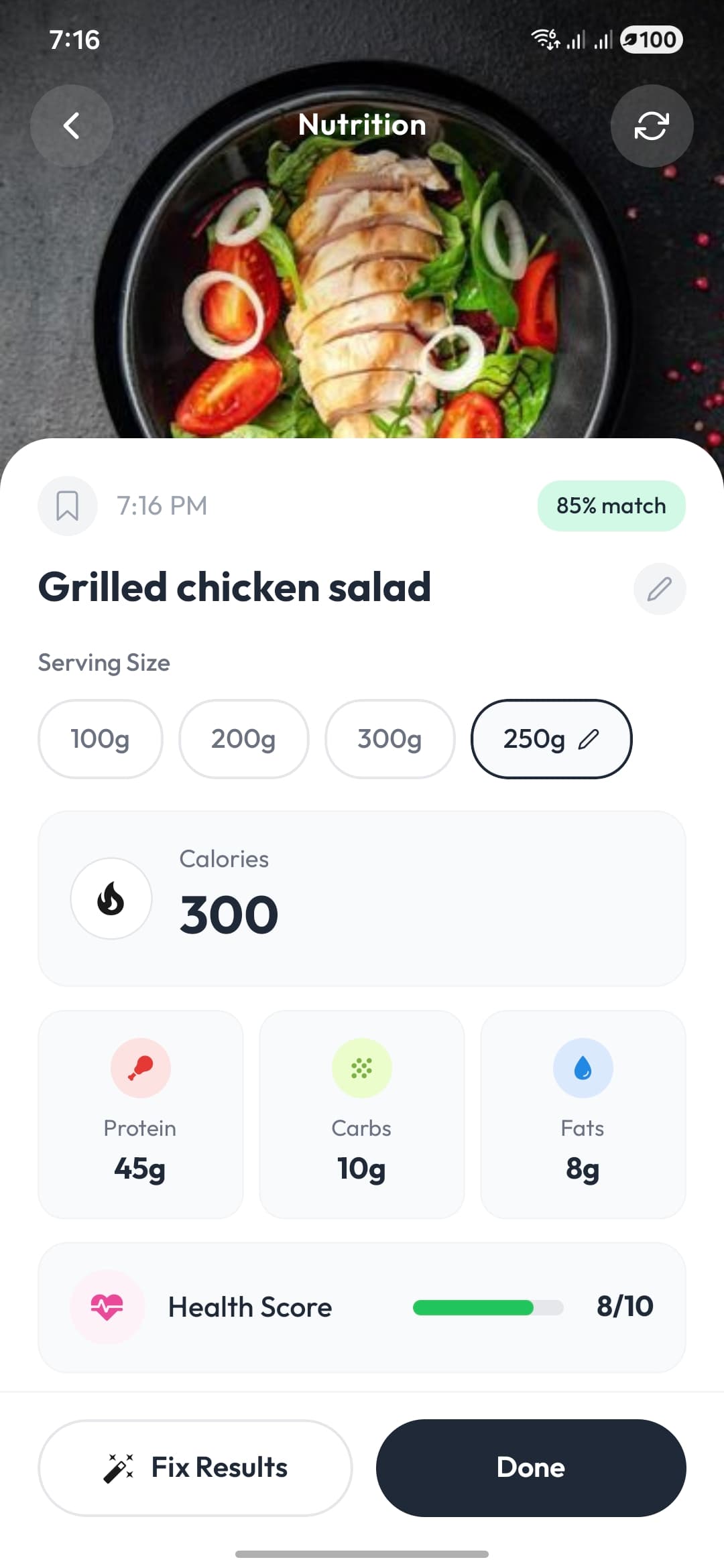
Food recognition names each item, estimates the portion, and returns calories plus protein, carbohydrates and fat. Every scan shows a confidence score so you know when to double-check.
Correct the portion or swap an ingredient if the estimate looks off, then save. Your daily totals, macro split and streak update immediately.
Features
A complete nutrition tracker, not just a food scanner: macros, meal planning, fasting, hydration, exercise and weight in one app.
Photograph any dish and the food recognition model names it and estimates the portion. Works on home cooking, restaurant plates and mixed multi-ingredient meals.
Scan packaged foods against the OpenFoodFacts database for exact label nutrition, including per-serving and per-100g values.
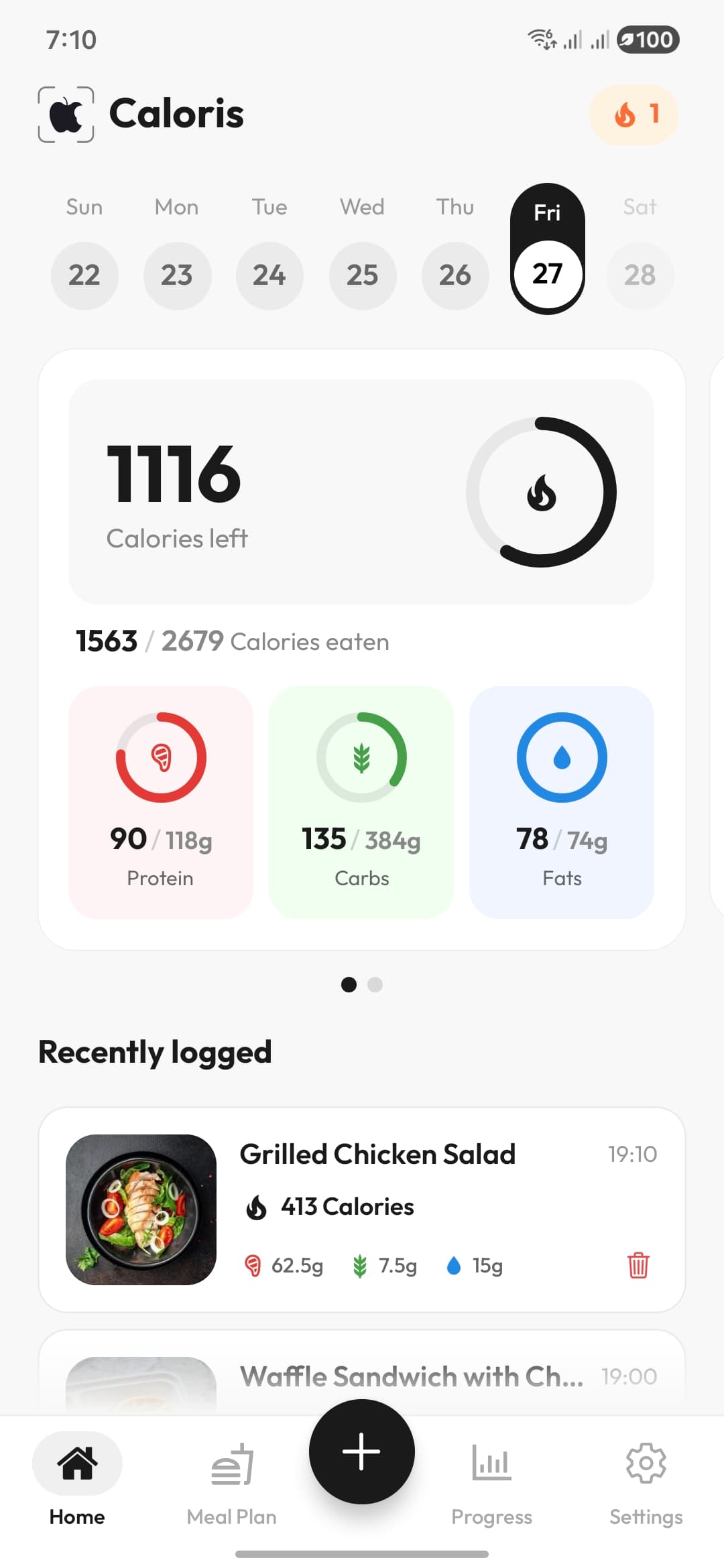
Every entry breaks down into protein, carbohydrates and fat, with daily and weekly charts that show whether your macro split actually matches your targets.
Generate a personalised meal plan built around your calorie target and preferences — keto, high protein, low carb or balanced.
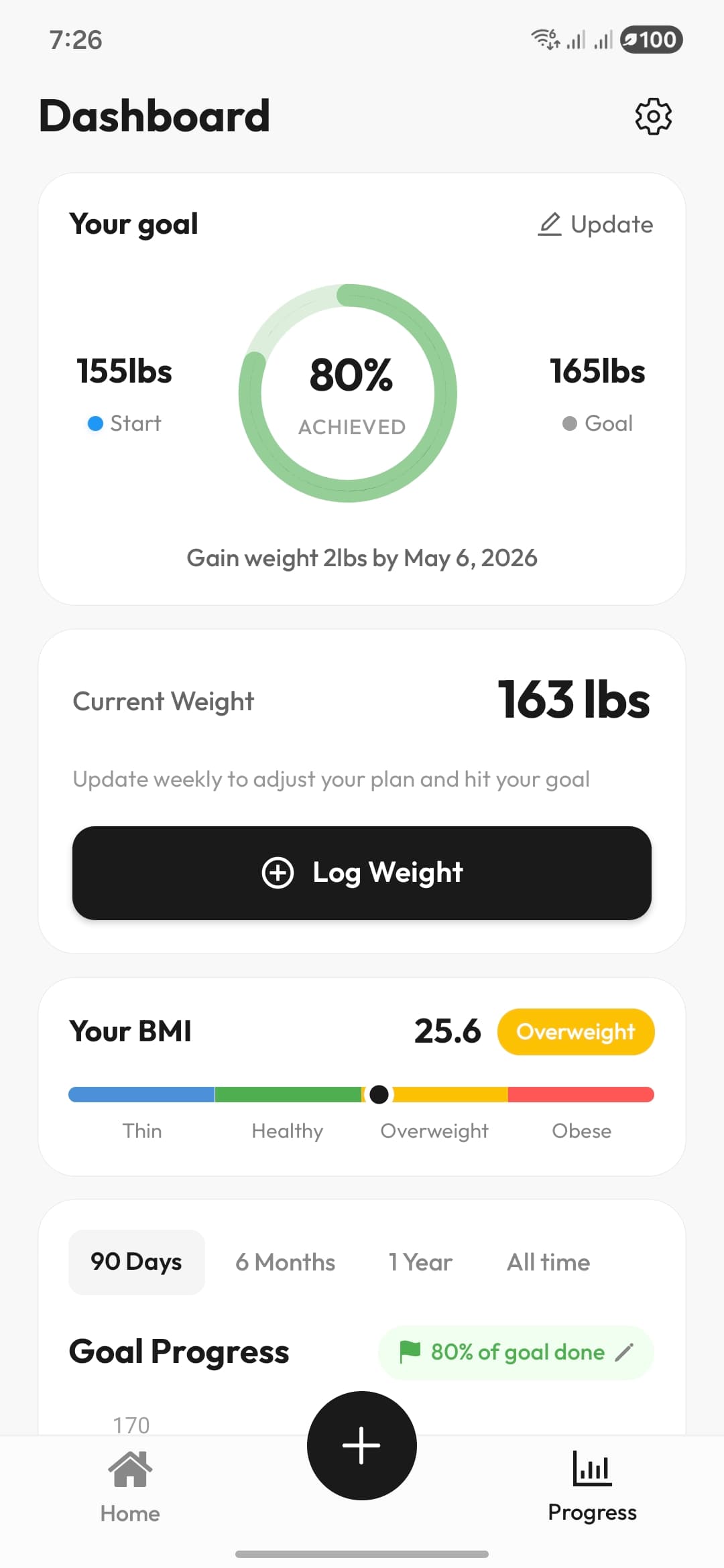
Set a target for losing, maintaining or gaining weight, and Caloris converts it into daily calorie and macronutrient budgets.
Run 16:8, 18:6 or a custom fasting window alongside your food log so eating windows and calorie intake stay in one place.
Log water in your own serving sizes with reminders that nudge you before you fall behind for the day.
Record walking, running, strength training and custom workouts, and see calories burned alongside calories eaten.
Link a fitness band or health app and activity syncs automatically — no duplicate manual entry.
Log weight over time, see the trend line rather than daily noise, and get your BMI calculated automatically.
Consistency beats precision. Streaks keep you logging on the days motivation dips, which is when tracking usually collapses.
Breakfast, lunch, dinner and snacks stay organised, so you can look back at a week and see what actually drove your intake.
Why choose Caloris
People do not abandon calorie counting because it stops working. They abandon it because logging is tedious. Caloris attacks the tedium, not the arithmetic.
Most calorie counter apps ask you to find your food in a database of millions of near-identical entries. Caloris identifies the meal from a photo, so the slowest part of calorie counting disappears.
Speed is what decides whether tracking survives past week two. When logging costs seconds rather than minutes, you keep doing it on the busy days that normally break the habit.
Every scan splits into protein, carbohydrates and fat. If you are cutting, bulking or holding a protein floor, you can see the split for each meal and for the day as a whole.
AI portion estimates are approximations, and Caloris says so. Each scan carries a confidence score, and anything that looks wrong can be corrected before you save it.
Food databases are built around Western packaged goods, which is why logging a home-cooked curry or a street-food plate is so painful. Photo recognition does not care what is on the plate.
Comparison
The trade-off is speed against precision. For most people the faster method wins, because the most accurate log is the one you actually keep.
| Method | How you log | Time per meal | Accuracy | Cost |
|---|---|---|---|---|
| Caloris (AI calorie counter) | Photo, barcode or description | ~3 seconds | Estimate with confidence score | Free to download |
| Database calorie counter app | Manual search and portion entry | 1–2 minutes | Exact for packaged, guesswork for cooked | Free tier plus subscription |
| Pen-and-paper food diary | Written by hand, looked up later | 3–5 minutes | Depends entirely on your lookup | Free |
| No tracking at all | Memory | None | Typically under-reported by 20–50% | Free |
Under-reporting figures for untracked eating come from the well-documented gap between self-reported and measured energy intake in dietary research; the per-method timings reflect typical logging behaviour rather than a controlled study.
Explore
Deep dives into the scanner, the meal planner and calorie tracking for weight loss — plus free calculators you can use right now, without installing anything.
Caloris has completely changed how I track my meals. The AI scanning is incredibly accurate and saves me so much time.
Finally, a calorie tracker that actually works for me. I take a photo and it does the rest. Down 15 lbs in two months.
The barcode scanning is a game changer for packaged food. Between that and the photo scanner I never touch a search box.
The streak feature keeps me honest every day, and the water reminders are genuinely useful rather than annoying.
If you want to actually understand your calorie intake instead of guessing, this is the app.
An AI calorie counter is a nutrition app that identifies food from a photo, a barcode or a written description and estimates its calories and macronutrients automatically, instead of asking you to search a food database and enter portions by hand. Caloris uses image recognition to name each item on the plate, estimate the portion size, and return calories along with protein, carbohydrates and fat.
Photo-based estimates are close enough to steer a calorie target but are not laboratory measurements. Independent testing of AI food-recognition apps generally puts them around 80–90% accurate on common, clearly visible foods, with the largest errors on mixed dishes, hidden oils and sauces, and portion depth the camera cannot see. Caloris shows a confidence score on every scan and lets you correct the item or portion before saving, and for packaged food the barcode scanner reads exact label values rather than estimating.
Yes. Caloris is free to download from Google Play and the core features — AI food scanning, calorie and macro logging, the food diary, water tracking and exercise logging — work without paying. Optional in-app purchases unlock premium features.
AI food scanning needs a connection because the image is analysed by a model in the cloud. Reviewing your diary, checking daily totals and logging previously saved foods work with limited connectivity.
Caloris is currently an Android app, available on the Google Play Store and supporting Android 8.0 and above. An iOS version is not available yet.
Database apps like MyFitnessPal are built around searching a very large catalogue of foods, which is precise for packaged and branded items but slow for home cooking. An AI calorie counter inverts that: you photograph the plate and the app proposes the entry. Caloris keeps a barcode scanner for packaged food so you get label-exact numbers where they exist, and uses photo recognition where a database entry would not.
Yes. Every logged item breaks down into protein, carbohydrates and fat, and the app shows your daily macro split against the targets generated from your goal. You can also set macro targets manually if you follow a specific split such as high protein or keto.
Home-cooked meals, restaurant plates, mixed multi-ingredient dishes and street food via photo recognition, and packaged products via the barcode scanner using the OpenFoodFacts database. You can also describe a meal in text if photographing it is not practical.
Caloris turns a photo of your plate into calories, protein, carbs and fat in about three seconds. Download it free on Google Play.

10,000+ downloads · Rated for 3+